Random Walkers
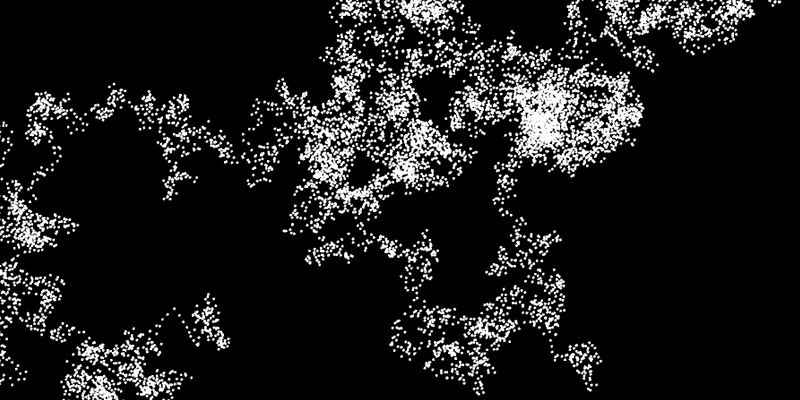
A random walker is a very pure application of random drawing with only rudimentary control.
- We use two random values, one for the step in x-direction and one for y.
- At each step we draw a dot.
- structure is only achieved by limiting the step size so that the dots start to cluster or form paths
void draw()
{
  x+=random(-1,1) * 5f;
  y+=random(-1,1) * 5f;
  circle(x,y,2);
}
To make this more interesting we will use several such drawing dots in parallel. They are commonly called “Agents”, because you send them into the field with instructions. In that way it is easy to scale from one agent to 1000.
Our agents right now are “dumb” and completely unaware of each other. But if you set up more complex rules and interrelations, you arrive at an amazingly powerful method that is used in simulations etc.
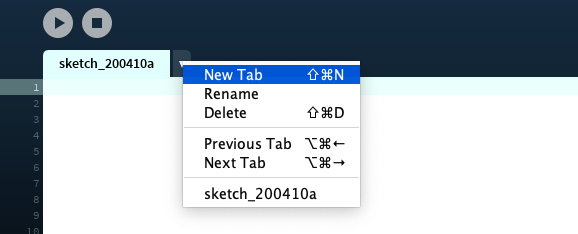
We first start working on our Agent. A quick way of structuring your Processing Sketch is to add a new Tab for this.
We create an agent with only two properties:
- a position (pos) that the agent changes every frame
- a step size (step) that changes every frame and gets added to the position
public class Agent
{
    public  PVector pos;
    private PVector step;

    public Agent(PVector _pos)
    {
        pos=_pos;
        step=new PVector(0,0);
    }

    public void tick()
    {
        pos.add(step);
        float m=8f;
        step=new PVector(random(-m,m)   ,random(-m,m)   );
    }
}
I kept everything that is not an individual property/function of the Agent out of the class. So also the drawing will be handled somewhere else. I've created a function “tick” that can be called every frame to calculate the next step of the agent.
and the code for the main sketch, that spawns and draws the agents:
int numAgents=10;
Agent[] agents=new Agent[numAgents];

void setup()
{
    size (900,900,P3D);
    background(0);
    for (int i=0;i<numAgents;i++)
    {
        PVector pos=new PVector(random(0,width),random(0,height),0);
        agents[i]=new Agent(pos);
    }
}

void draw()
{
    for (int i=0;i<numAgents;i++)
    {
        agents[i].tick();
        noStroke();
        fill(255);
        circle(agents[i].pos.x,agents[i].pos.y,3);
    }
}

void mousePressed()
{
    background(0);
    for (int i=0;i<numAgents;i++)
    {
        PVector pos=new PVector(random(0,width),random(0,height),0);
        agents[i]=new Agent(pos);
    }
}
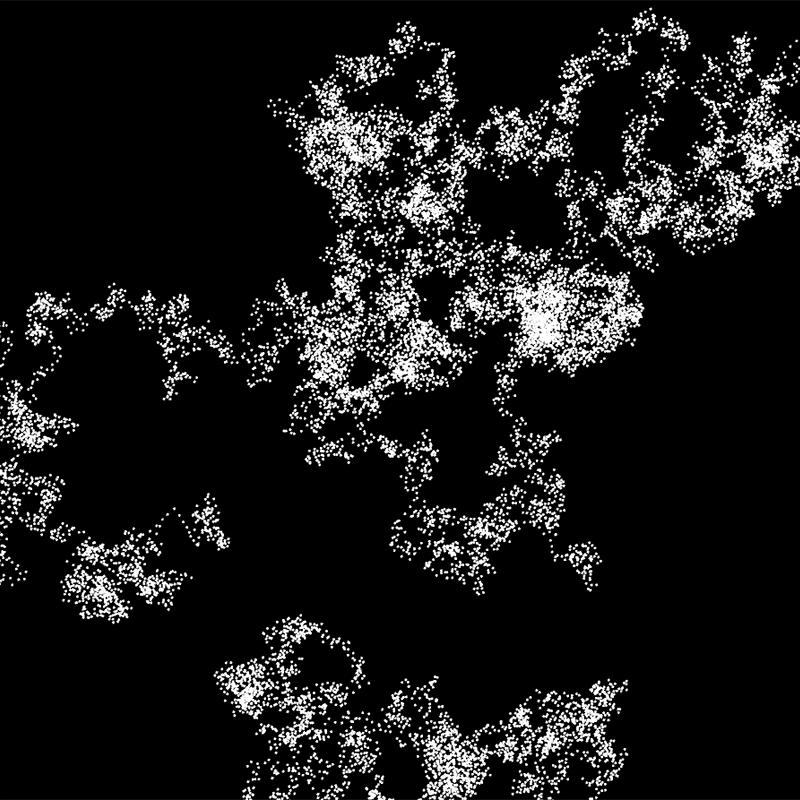
This will result in something like this...
Please spend some more time with it and push it into a direction that appeals to you see Assignment in MS Teams
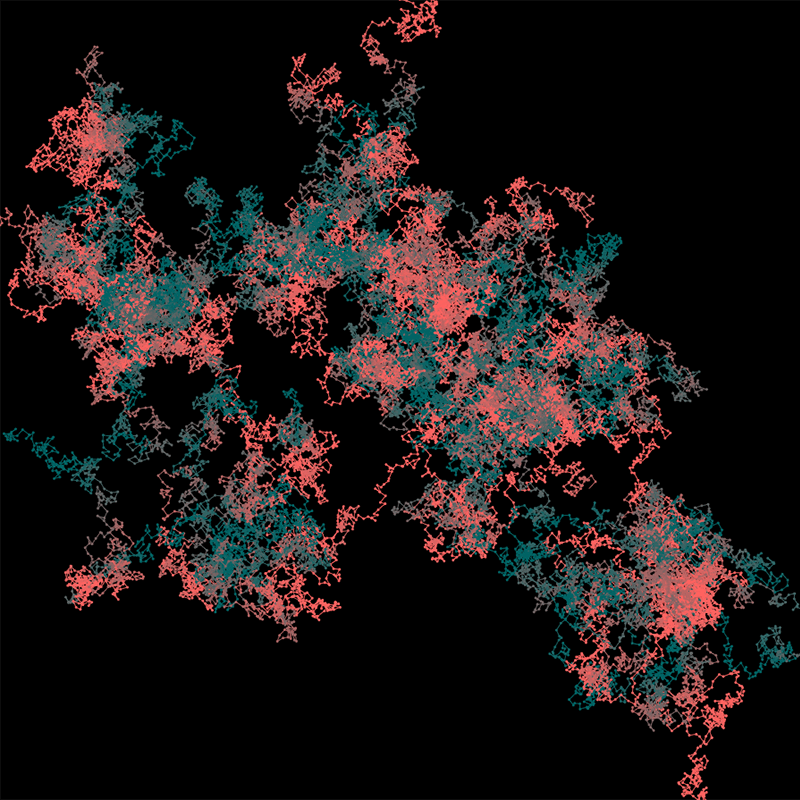
Make some noise!