Noise Agents
This builds upon the former examples (Random Walker)
Now we slightly adapt our agent's code to use noise instead of random. Instead of a random step we use Processing's built in noise function.
This returns the Perlin Noise value at a specific coordinate (in up to 3 dimensions) - so basically you look up a specific point in the noise space.
noise(x,y)Please note that you can also adjust the detail level of this (octaves) with noiseDetail().
In our case we use a 2D noise space and feed it with the position of our agent. Because we only receive one value from the noise function, but need x and y to position our agent we take this single value as a direction (angle). With our knowledge of sin/cos and the unit circle we can do that straigh away and change our agent's code accordingly from random to noise:
angle=(noise(pos.x,pos.y))*2f*PI;
step =new PVector(sin(angle), cos(angle) );
To gain some more control we introduce a way to scale the noise. I divide it by a variable that I called "noiseDivi".
The full code of the Agent class could then look something like this:
public class Agent
{
    public PVector pos;
    public PVector step;
    public float angle;

    public Agent(PVector _pos, PVector _step)
    {
        // initialize the agent with a start position and a speed (step in a direction)
        pos=_pos;
        step=_step;
    }

    public void tick()
    {
        pos.add(step);

        // RESET Position if agent leaves canvas
        if (pos.x>=width || pos.y>=height || pos.x<=0 || pos.y<=0 )
        {
            pos.x=random(0,width);
            pos.y=random(0,height);
        }

        // to get x,y from a single value, we take this noise value as an angle in the unit circle
        angle=(noise(pos.x/noiseDivi,pos.y/noiseDivi))*2f*PI;
        step=new PVector(  sin(angle),
                            cos(angle)
                            );
    }
}
and the code for the main sketch, that spawns and draws the agents:
int numAgents=1000;
Agent[] agents=new Agent[numAgents];
float noiseDivi=150f;

void setup()
{
    size (900,900);
    smooth(8);
    background(0);
    for (int i=0;i<numAgents;i++)
    {
        PVector pos=new PVector(random(0,width),random(0,height),0);
        PVector speed=new PVector(random(-2,2),random(-2,3),random(-2,2));
        agents[i]=new Agent(pos,speed);
    }

}

void draw()
{
    for (int i=0;i<numAgents;i++)
    {
        agents[i].tick();
        // draw a black outline to the "pen"to maintain the individual lines
        stroke(0,10);
        strokeWeight(4);

        pushMatrix();
            translate(agents[i].pos.x,agents[i].pos.y);
            fill(255,40);
            circle(0,0,2f);
        popMatrix();
    }
}
To make it easier to restart, I add a function that clears the canvas on mouse click and creates a new noiseSeed().
void mousePressed()
{
    // Reset on mouse click
    background(0);
    noiseSeed(frameCount);
}
Please get yourself acquainted with this technique, change the values, try out noiseDetail, introduce color control, etc - until you reach a satisfactory result
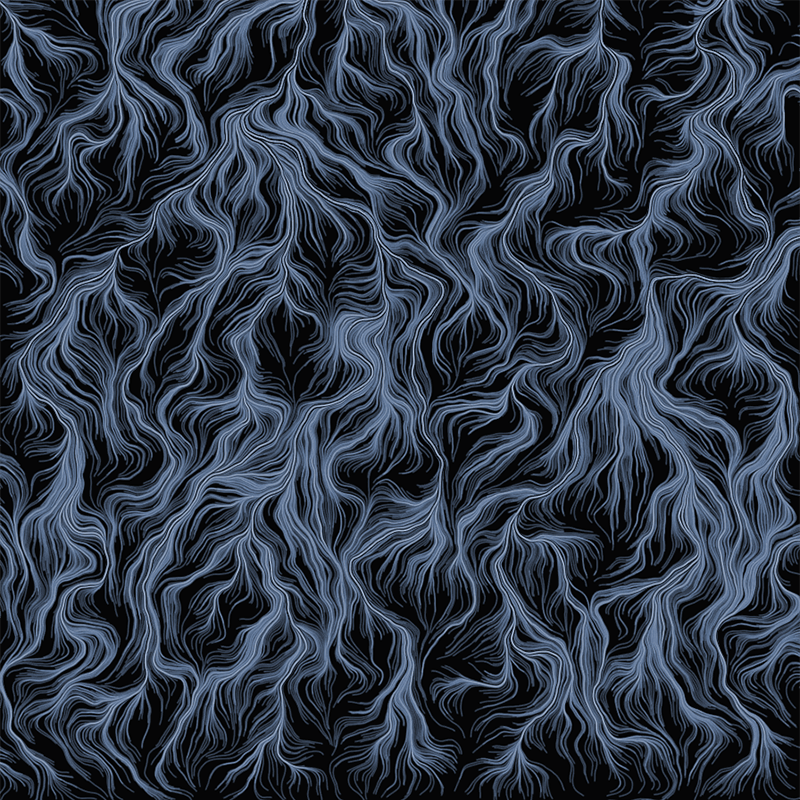
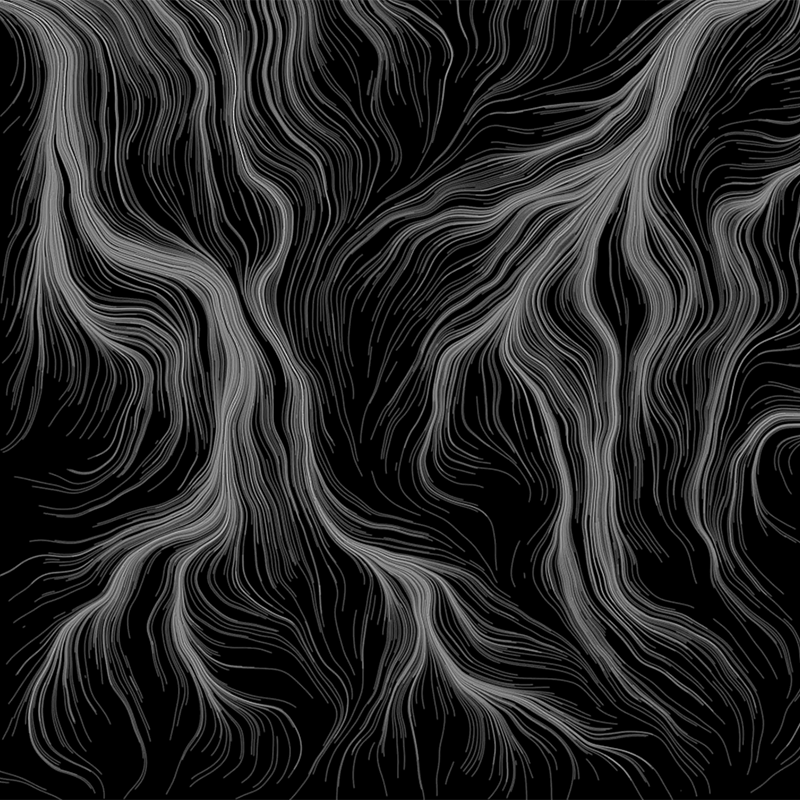
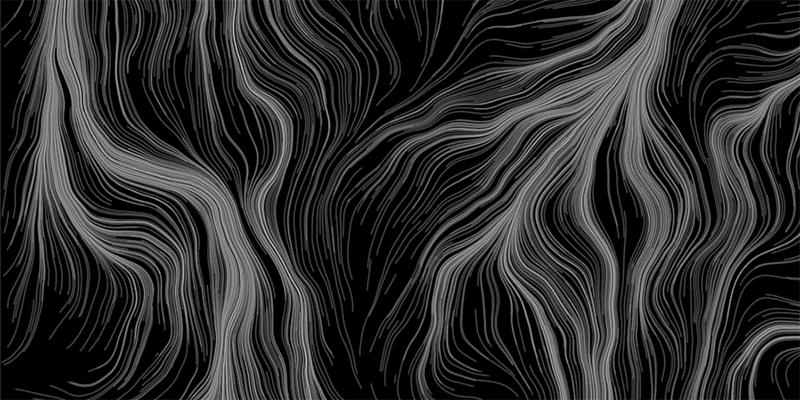
This will result in something like this,for different noiseDiv values (and with a bit of color tweaking):