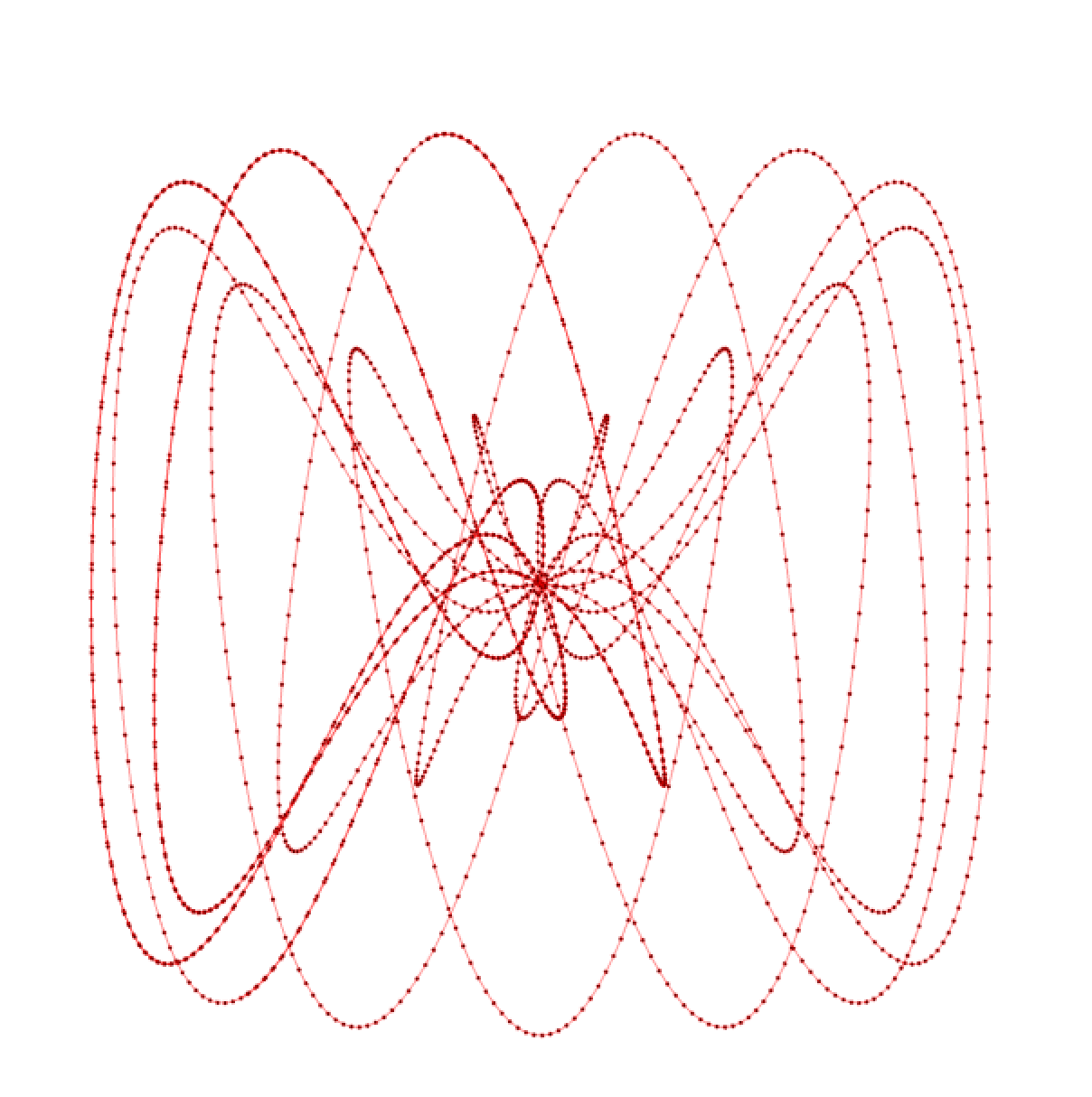
Lissajous
I'm sure your circle drawing result could look something like this:
float x=0,y=0;
float radius=250;
float angle=0;

// setup is called once in the beginning
void setup()
    {
    size(900,900);
    noStroke();         // don't draw strokes
    fill(0);            // fill your shapes with black
    background(255);    // clear your canvas once with white
    }

// draw is called every frame
void draw()
    {
    // start from the center of the canvas
    translate(width/2,height/2);

    // increase the angle every frame
    angle=frameCount/50f;

    x=sin(angle)*radius;
    y=cos(angle)*radius;

    ellipse(x,y,2,2);
    }
By understanding the unit circle we know that if the two angles (in sin and cos) are not the same but different by an integer factor we would get a Lissajous figure
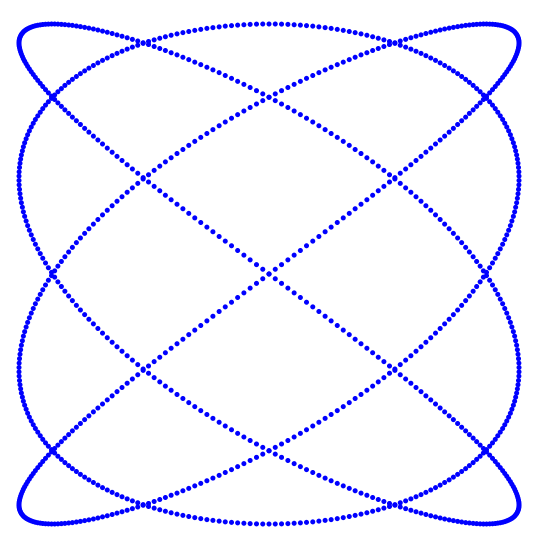 Now we are very close to a (frictionless) Harmonograph already and just need to add lines between the dots. For this we need to save our last position in a variable and use line() to connect them.
  stroke(0);
line(lastX,lastY,x,y);- Modify your code to draw a Lissajous Figure
- Connect the dots with lines
- push it further and see how far you can modulate your formula to get more complex results
- post your result in the assignment (MS Teams)
eg